

What do “Log out all” and “Delete Credentials” mean? (formerly “Log Out Everywhere”/“Delete Sessions”/“Delete VPN Creds”)


Your privacy and security is of utmost importance to us and the reason we exist is to protect you! Because of this reason exactly, we minimize the amount of information we collect, ensure that everything is secure, and do not store any logs that can personally identify you.
With that being said, the VPN service can't work unless we know you're using Windscribe through the use of a session. We don't track these sessions in any detail however you do still have the ability to delete them all at any time. Those, along with any custom configuration credentials, can be wiped with the Log out all and Delete Credentials actions (formerly “Log Out Everywhere”, “Delete Sessions” and “Delete VPN Creds”) in the Access card, under Security → Credentials in My Account.
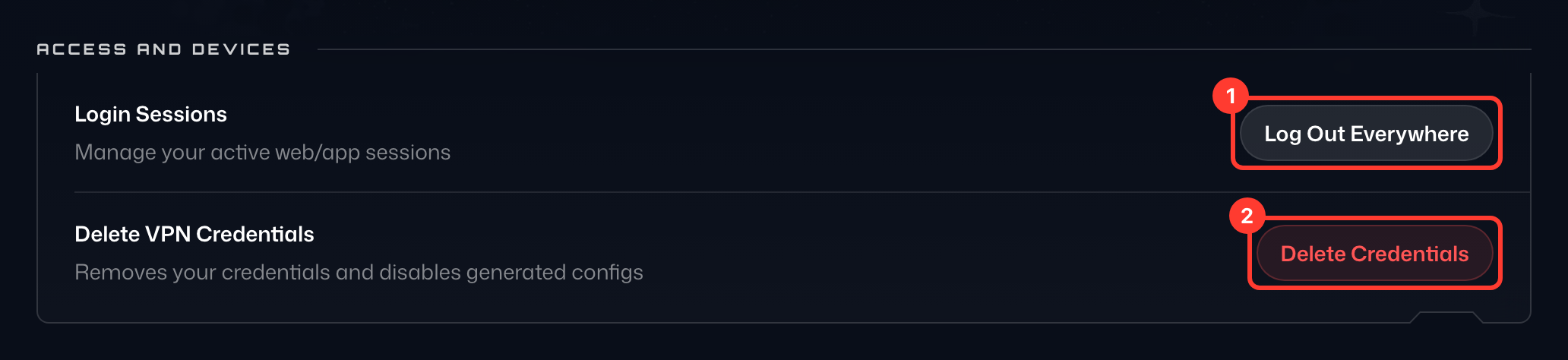
Log out all (on the Sessions row): Pressing this ends all current sessions (everywhere you are logged in), including the browser you're using, and forces you to log into the Windscribe clients and the website again. This is very beneficial for several reasons and you might need it when you have temporarily signed in on another device, switched computers, think you have been hacked, or just want to quickly log out everywhere for peace of mind.
Delete Credentials (the Delete action on the VPN credentials row): Pressing this deletes all VPN server credentials – such as the ones used for manual configs – along with any static IP devices and port forwards you've created, and you would have to generate them again from our website. These are not your regular Windscribe username and password, those stay unaffected. While Log out all ends your sessions, it only affects the Windscribe clients. Deleting VPN credentials allows things like router VPN setups to be disconnected as well so that no connection remains active. You would use this in cases such as when you believe your account has been hijacked and they’ve set up your configs on their router or perhaps there's an old router with credentials still on it that you would like to nullify.
Both actions ask you to confirm in a dialog first (Log Out All and Delete Credentials). If the point is to get everyone off your account or clear out all your old, stale sessions, press Delete Credentials first and then Log out all (it signs you out of this browser too), give it a minute and you'll be back to zero sessions and connections.
If you think or know that your account has been compromised and you want additional help, we want to help you sort it all out as quickly as possible so feel free to contact us through Garry, our support assistant. If needed, Garry will pass your case on to our support team.